Aug 7

Extra Credit: Getting Ahead on Fall Waivers

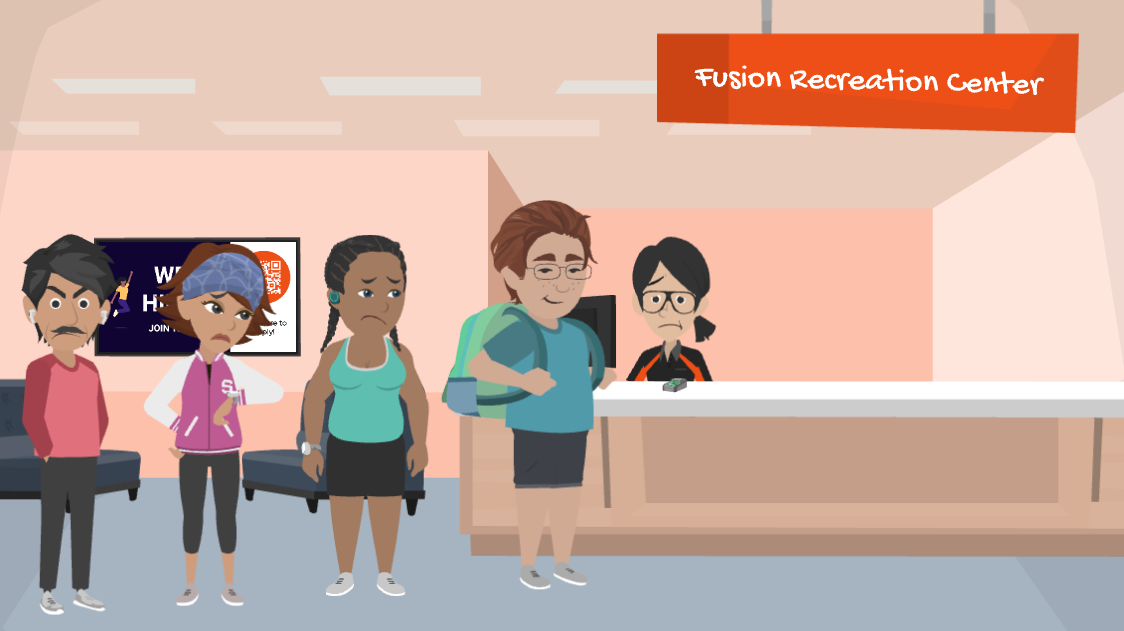
Summer's winding down, and you know what that means: move-in, welcome tables, and a line of new and returning members all showing up on day one ready to work out. It's the busiest stretch of your entire year…which also makes it the worst possible time to be missing waivers.

Read through this post to learn how to get waivers completed before the semester starts, so your front desk isn't running behind during the one week you can't afford it.

Welcome Table

Move-in day and welcome events are the easiest place to get ahead of this. Set up a QR code at your table that links directly to your Member Portal or FusionGO, which will direct them to the waiver. Someone scans it, signs the waiver on their phone, and they're done!
Empty space, drag to resize

Sending Out the Reminder

Not everyone comes through move-in or a welcome table. A lot of your active members are already on campus and have no idea their waiver expired over the summer.

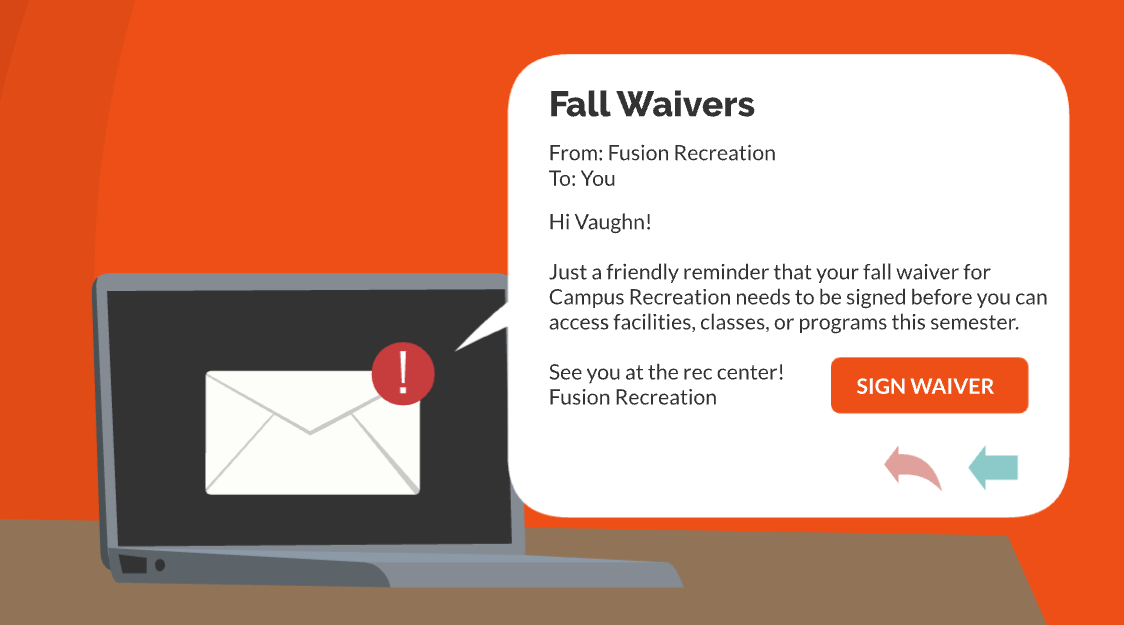
This is where a quick communication task pays off. You can send an email to all active members that says "Quick assignment before you check in...your waiver's due for a refresh." You can even include a button to direct them to the Member Portal. 
 
For more information on Email Templates and Communication Tasks in Fusion, please visit Fusion Foundations: Email Templates and Communication Tasks.
Empty space, drag to resize

The Takeaway

Waivers are the kind of thing that's easy to ignore until they're causing a line at your door. A QR code at the welcome table and a well-timed reminder to active members can make all the difference. Handle it in the weeks before the semester starts, and your front desk gets to spend syllabus week actually welcoming people back, not chasing down paperwork.
 
Extra credit, indeed.