Huddle Up This Thanksgiving: A Game Plan for Fusion Play Email Opt-Ins
Nov 23
Thanksgiving is a great moment to help your members get the updates they'll be thankful for. The latest Fusion Play release lets members choose which email notifications they receive. There's one catch: members who used Fusion Play before the update start opted out of every email notification.
Think of it as kickoff: every member who opts in is choosing to hear from you, and that's a win worth celebrating. This post is your playbook for getting the word out with three tools you might already have: push notifications in Fusion Play, digital signage with Fusion Wave, and emails sent through Fusion.
Why existing members start on the bench
Starting existing members on the bench means nobody gets emails they never asked for. Putting everyone in the game without asking could feel intrusive, drive unsubscribes, and send your messages straight to the spam folder.
The trade-off is that members have to check themselves in, and most won't go looking for a new setting on their own. A short, friendly campaign gets them off the sidelines. The goal isn't to get everyone to turn on everything. It's to get each member subscribed to the few notifications that are genuinely useful to them, so your emails get opened and acted on.
Play 1: The quick snap: push notifications in Fusion Play
Push notifications are your opening drive. They reach members already inside the app, so it's the best place to start. For more information on sending push notifications in Fusion Play, please visit Communications Tab.
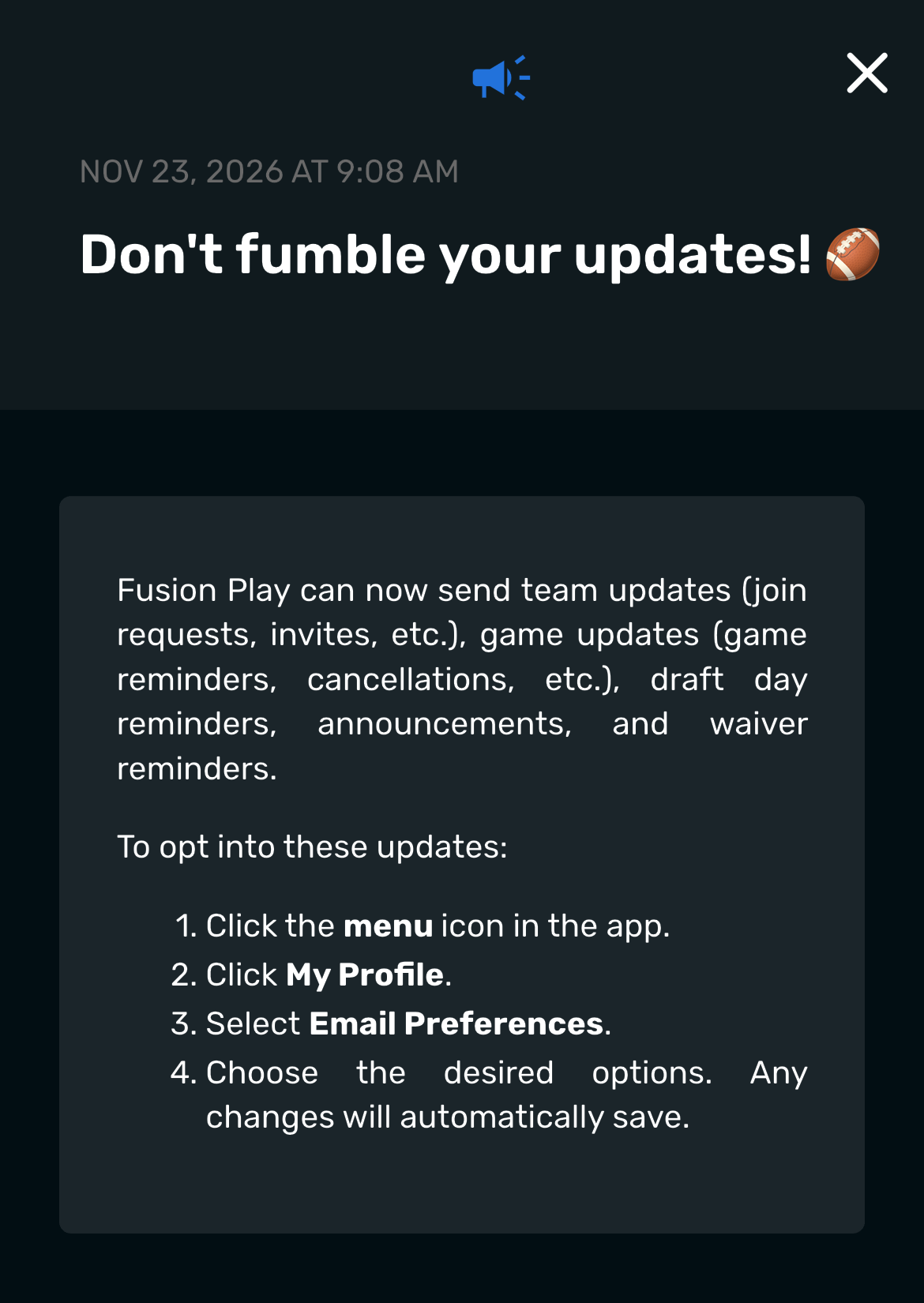
Keep it short. Push messages get a glance, not a read, so lead with the benefit and end with the action. An example could be: “Don't fumble your updates! 🏈 Fusion Play now sends email updates. Open to learn how to opt in!” with full instructions in the announcement body.
Play 2: The big screen: digital signage with Fusion Wave
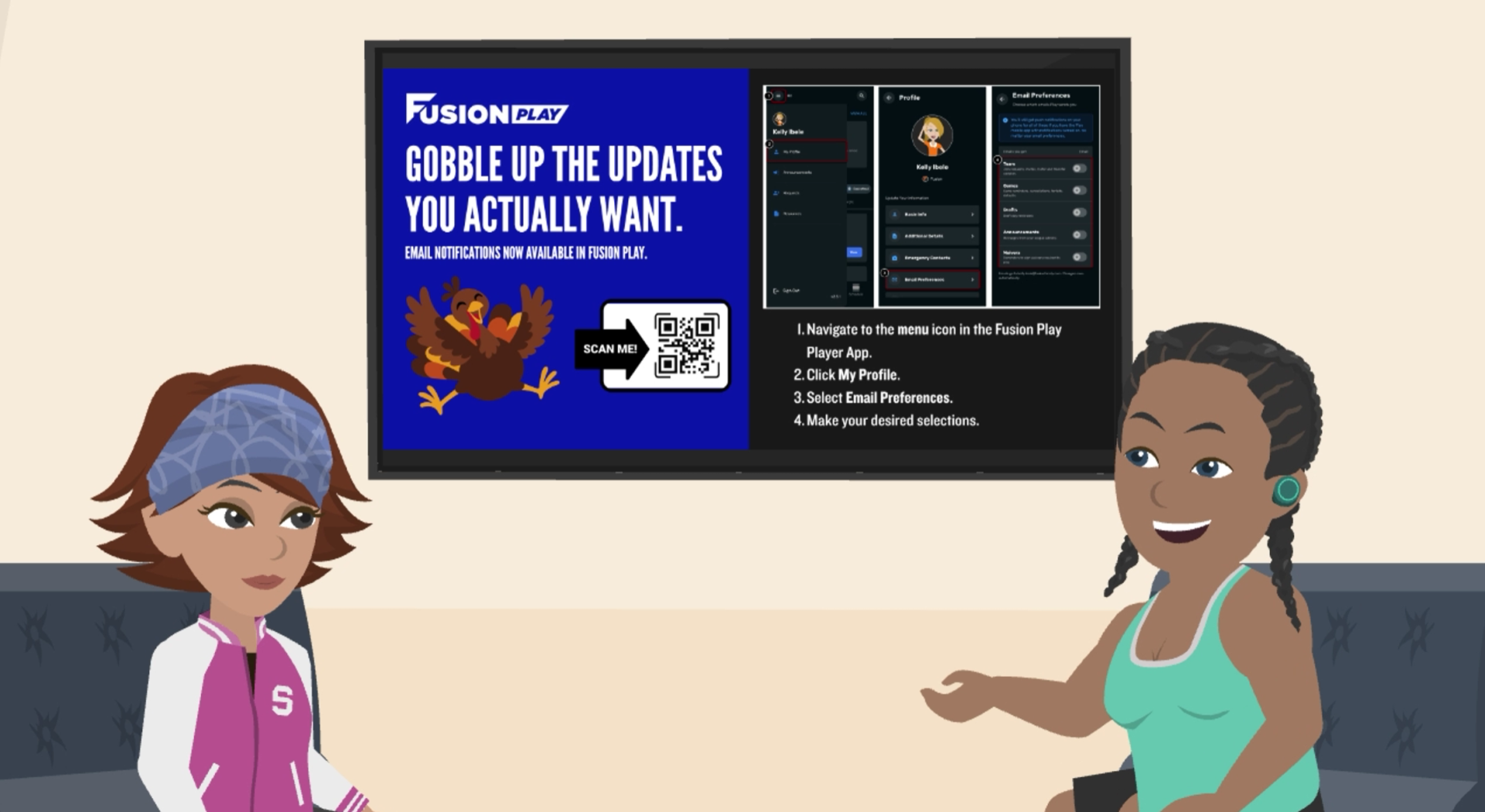
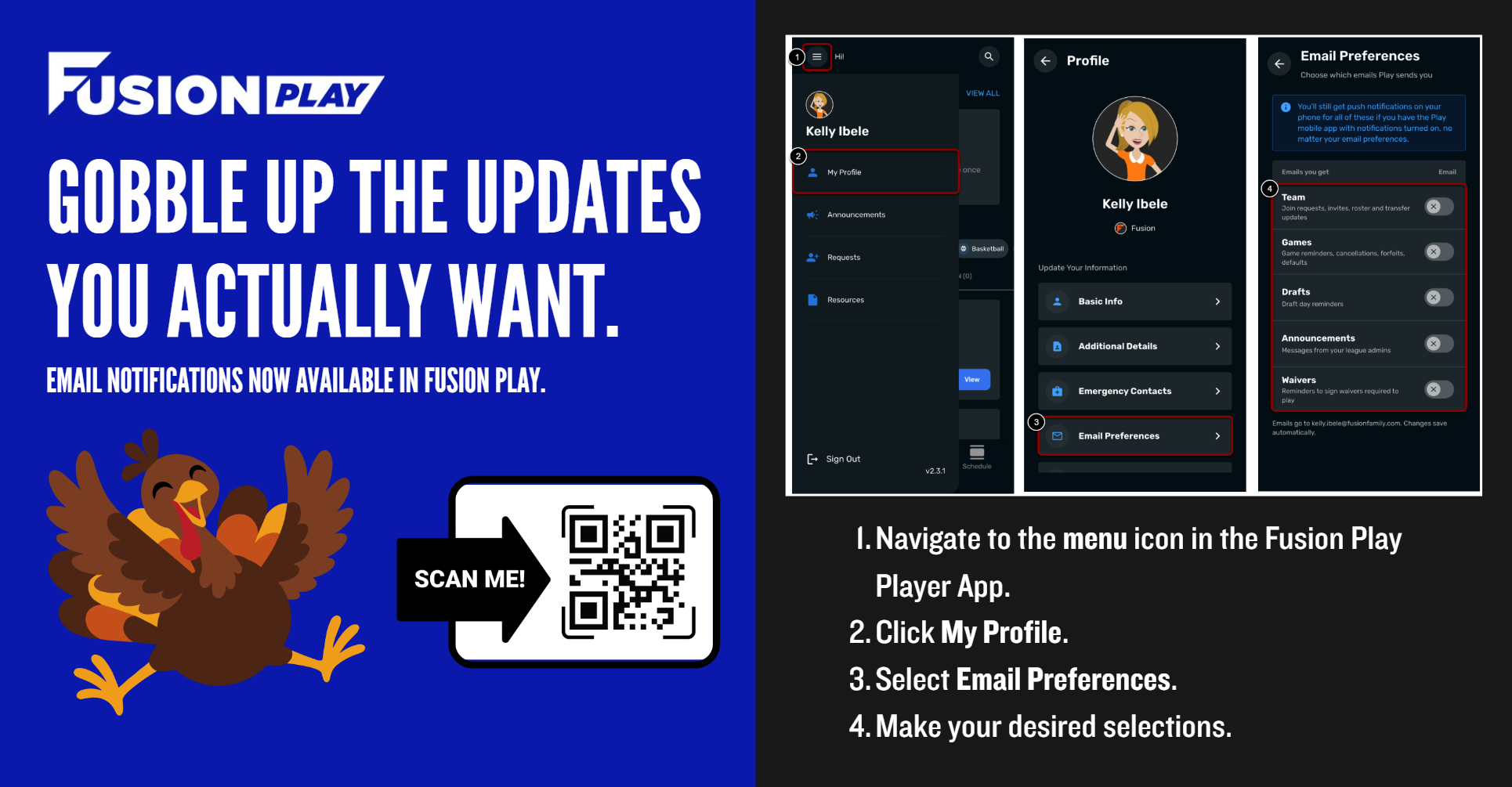
Fusion Wave is your stadium screen. It reaches everyone standing in your facility, including members who've turned off push notifications or rarely open the app. Design for a two-second glance, the way fans read a scoreboard.
A couple tips:
Add a QR code that opens Fusion Play or the app download page, so people can act while they're there.
Place slides where people wait: the front desk, court and field entrances, and the fitness floor.
Play 3: The long pass: emails sent through Fusion
Email is your deep ball. It gives you room to explain what's new, why it's useful, and exactly how to opt in, and it reaches members who don't open the app often.
Here's a starting point you can adapt:
Subject: Something to be thankful for: updates you choose!
Hi $FirstName$,
This Thanksgiving, we're thankful for members like you, and we want to make sure you never miss an update. Fusion Play can now email you about the things you care about, like cancellations, join requests, and more. Since you joined before this feature launched, these emails are turned off for you right now.
To update your preferences:
Open Fusion Play and navigate to the menu icon.
Click My Profile.
Select Email Preferences.
Make your desired selections. Your preferences will save automatically.
You can change your choices anytime. Happy Thanksgiving, and enjoy the game!
[Your Organization Name]
The final whistle
Email notifications in Fusion Play are a chance to reach members with updates they'll actually be thankful for. Because existing members start on the bench, a little outreach goes a long way.
Ready for kickoff? Update to the latest version of Fusion Play, review the available email notifications, and send your first push before the turkey hits the table.